Language Setting
How to switch the app's display language between Japanese and English in the account menu.
The Language setting switches the display language used throughout the HOSHIDOU interface. Two languages are currently supported.
Available languages
- Japanese (shown as 日本語 in the language choices)
- English
How to change
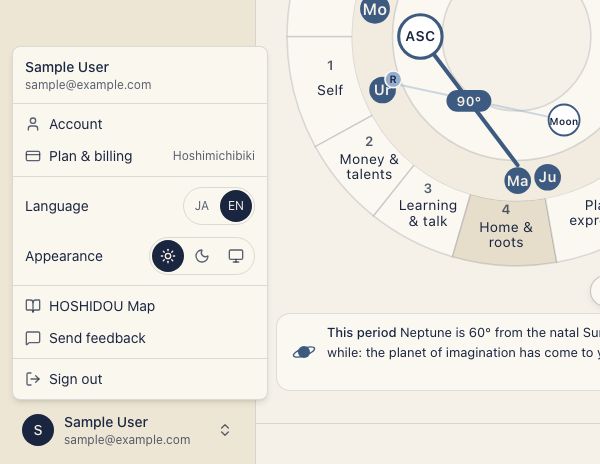
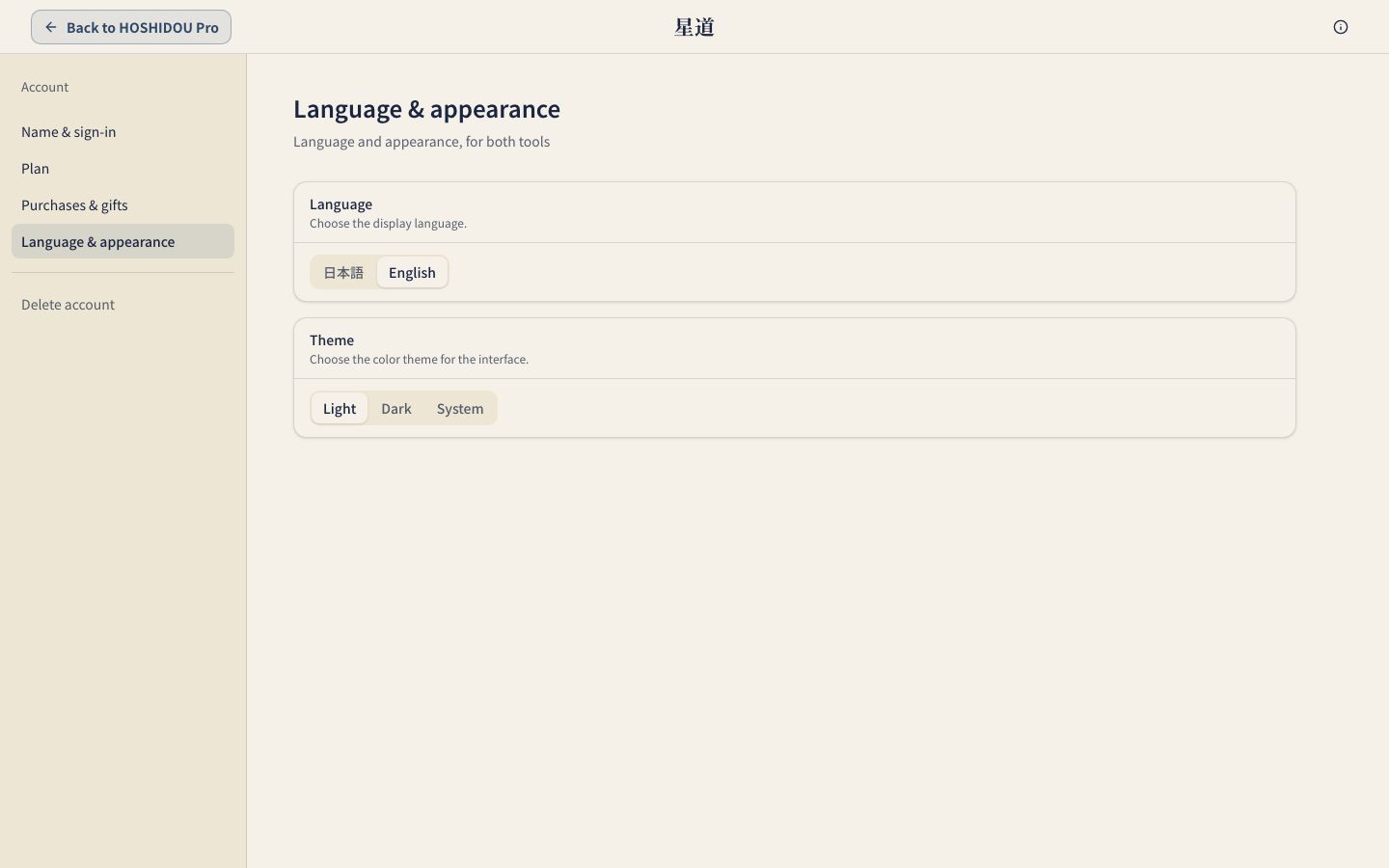
Open the account menu at the bottom of the sidebar and choose the JA or EN button under Language. The interface updates immediately. To use the account page, open Account and select Language & appearance, then Language. There the choices are named 日本語 and English.
What it affects
Changing the language switches all UI elements: menus, buttons, labels, chart names, and navigation items. Data you entered yourself, such as names and notes, is not affected.
You can switch languages at any time. The change does not affect your chart data or saved settings.
Related pages
- Theme Setting — Light, Dark, and Match device (System) appearance.