Announcements
How to view app updates, new features, and notices from the HOSHIDOU team.
Open “Announcements” in the lower part of the sidebar for app updates, improvements, bug fixes, and general notices. The unread badge shows a count up to “9+” and clears when you open the page. When an unread New or Improved item arrives, Home may show a “There’s a new announcement” toast once per browser session.
Announcement types
Each announcement is labeled with a type badge so you can see at a glance what kind of update it is.
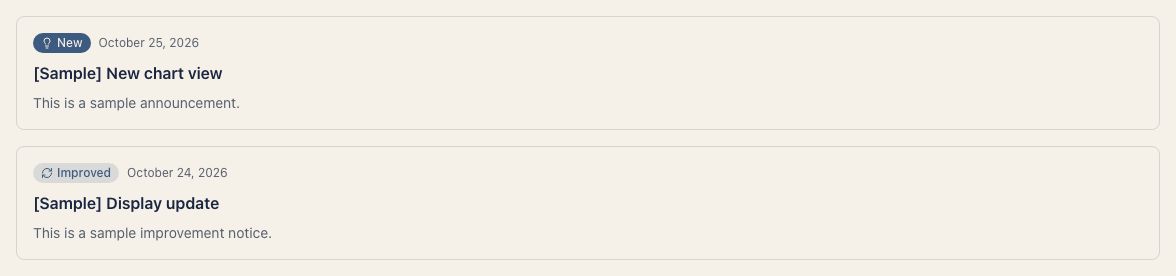
| Type | Meaning |
|---|---|
| New | A brand-new feature or capability |
| Improved | An enhancement to an existing feature |
| Fixed | A bug fix |
| Info | A general notice or important information |
Filtering by type
To focus on a specific category, use the filter buttons at the top of the page.

- Select All to see every announcement
- Select New, Improved, Fixed, or Info to filter to that type only
Browsing older announcements
Announcements are displayed 20 per page, newest first. Use the left and right arrows below the list to change pages. The current page and total page count appear between them.