Using the charts
How to open HOSHIDOU charts, which plan each one needs, and where to find Star Scrolls, saved charts, and other features.
The charts are grouped by what you want to read. Start with “Read yourself” for your own birth chart, “The sky now and the year ahead” for today’s sky and the year’s themes, and “Two people” for a relationship.
Opening a chart
Choose a person under Birth Details in the sidebar, then pick a chart from the items below it (Basic charts, Applied charts, Compatibility). If you press a chart item before choosing a person, a dialog opens so you can choose one.
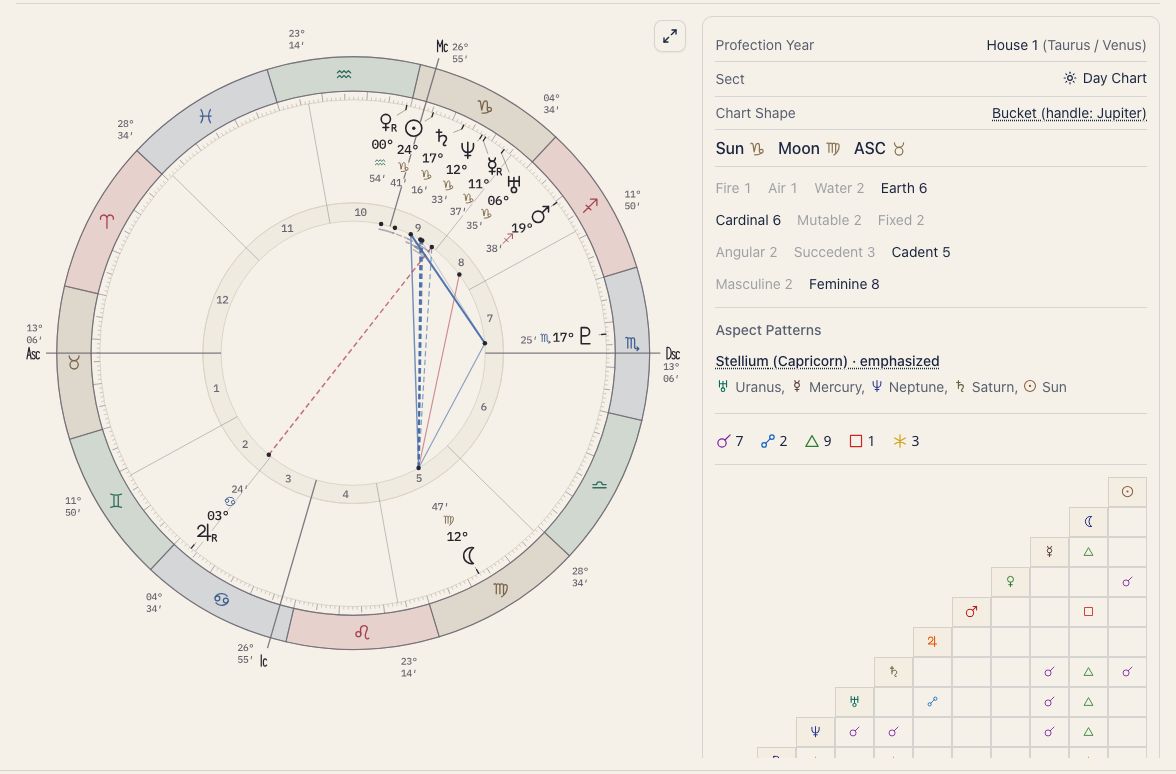
On a chart screen, the title at the top (for example “Single Wheel”) is a button. Press it to switch to another chart for the same person. The menu lists Basic charts, Applied charts, and Compatibility. To look at someone else, choose them again under Birth Details in the sidebar.
Some things work the same on every chart. They are described here once, and each chart page gives them a single line and a link back.
- Chart and Tables: switch at the top of the screen to see the same figure as a table.
- Tooltips: hover over a planet or aspect (press it on a phone). Change what they show in Tooltip Settings.
- Look and calculation: change them with the gear in the top right of the chart screen (Display settings).
For how to read the wheel itself, see Single Wheel.
Which plan you need
| Chart | Plan |
|---|---|
| Single Wheel, Triple Wheel, Synastry, Ephemeris, traditional techniques | Hoshiyomi (Free) |
| Applied charts (Solar Return, Lunar Return, Solar Arc, Harmonic, Draconic), Composite, Astromap, Compatibility Score | Hoshigatari or above |
| Snapshots, notes, Connect AI | Hoshimichibiki |
During the beta period, the Hoshigatari and Hoshimichibiki features are free. The full list is under What each plan includes.
Show applied charts in the sidebar
At first, Astromap is the only applied chart in the sidebar. To show the others:
- Open Settings.
- Choose App.
- Under Side navigation, turn on the chart you want.
A chart that is off in the sidebar is also left out of the title’s switch menu. See Show applied charts in the sidebar for details.
Read yourself
Read your own birth chart through the wheel and its tables.
Start here
Once you are comfortable
These are traditional techniques, written for people who are studying astrology.
The sky now and the year ahead
Read today’s sky and the year’s flow against your birth chart.
Two people
Overlay or combine two birth charts to read a relationship.
Other charts
Applied charts that read the birth chart from another angle.
Star Scrolls and saved work
Use these pages when you want a written book or want to keep something to revisit.
Settings and help
See Output & PDF for export settings. If you need help with the app or a payment, use Contact. Paid plans and purchases explains where to manage your plan.