First-time guide
The guide shown on first use and how to replay a guide for an individual page.
The first-time guide points to places on the app screen. It starts automatically for a signed-in account that has not completed it. Use Next to advance or Skip to close it. Finishing or skipping marks it complete, so it will not start automatically again.
The first guide
The guide has up to four steps on Home and one on the Birth Details screen. On Home it points to the wheel, the shared sky, the cards showing where today’s sky touches your chart, and the HOSHIDOU Map icon in the header. It then moves to Birth Details and points out where to add an entry. The “Transit alerts” balloon does not always appear, depending on your situation.
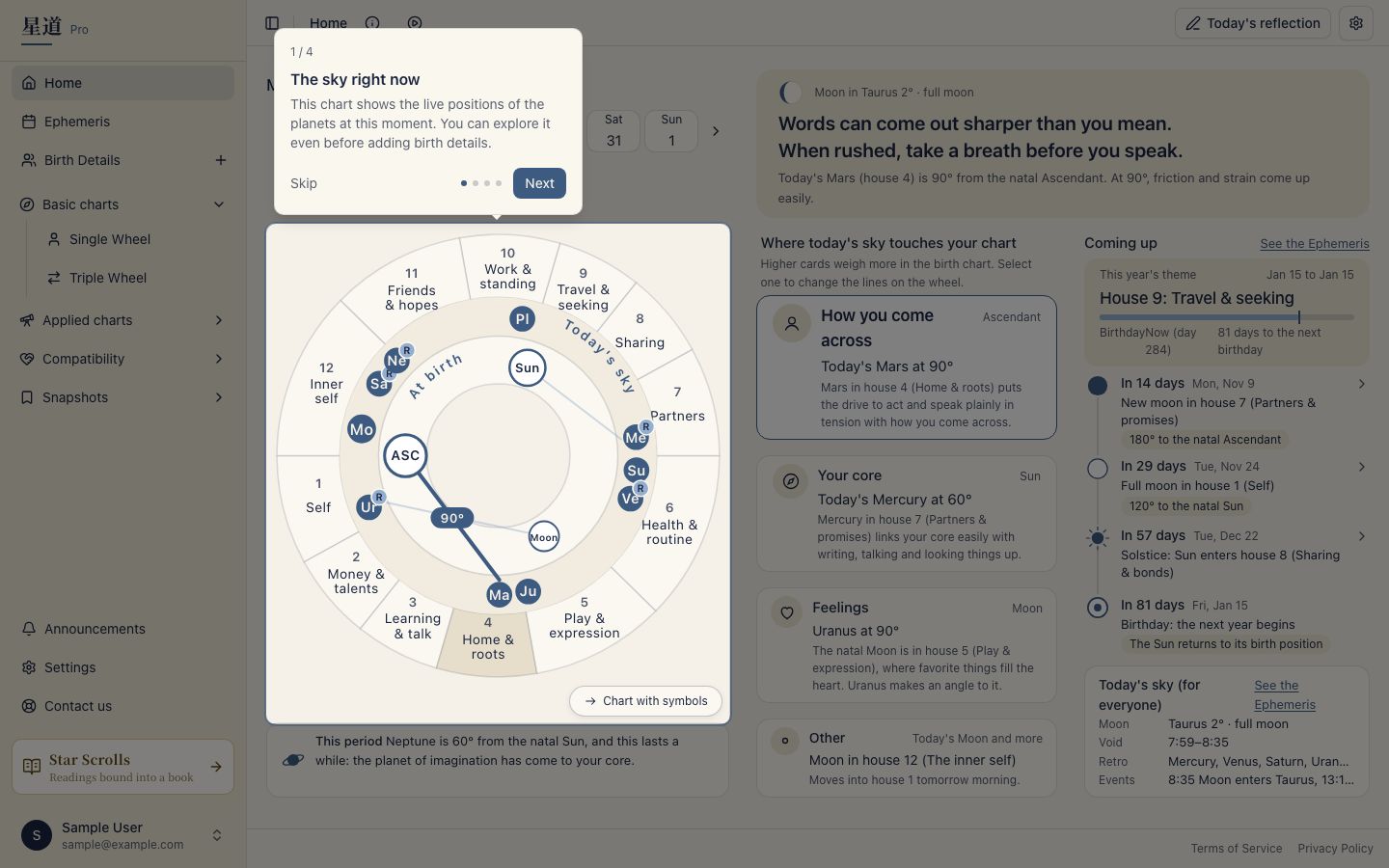
The Your own birth date step during sign-up is separate from this guide. After you enter your details, the completion screen shows How you come across, Your core and Feelings. “How you come across” is read from the Ascendant (ASC). See Sign up and add your own birth date.
Guides for individual pages
Use the header control labelled Play this page’s tour to replay the guide for the page you are viewing. On a phone, find Guide under Page controls in the header. Replaying does not change the completion record for the first-time guide.
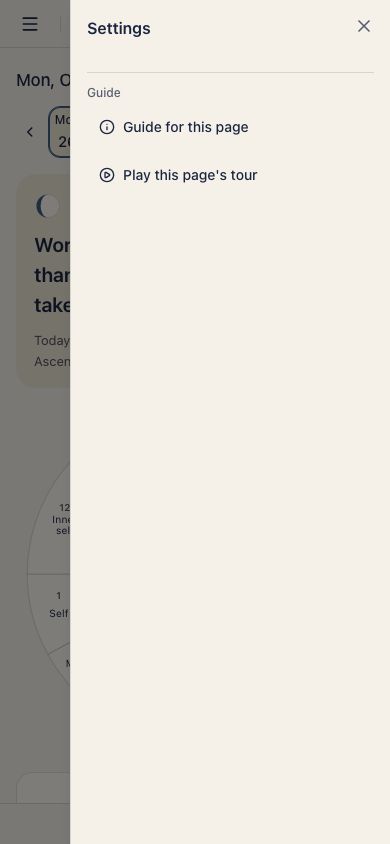
Guides are available for Home, Birth Details, chart views, Astromap, Ephemeris, Star Scrolls, Announcements, and the App and AI connections settings pages. Other settings pages do not have guides. If the play control is absent, that page has no guide.
Chart guides point to the wheel, tables and controls specific to the chart. The Ephemeris guide covers moving between months and switching Positions and Events. A step can be skipped when its control is unavailable on the current screen.
Using the guide
Advance with Next or close it with Skip. You can also use the keyboard. There is nothing to enter.
After the guide
If you have not added your own birth details, Sign up and add your own birth date explains that step. Once they are saved, Home shows your wheel and personal reading.