HOSHIDOU Map
How to use HOSHIDOU: read your charts, use each feature, and customize your settings.
The HOSHIDOU Map explains how to use the app. Open the app in your browser at https://app.hoshidou.com.
HOSHIDOU has two parts: HOSHIDOU Pro, where you work the charts yourself, and Star Scrolls, AI-written readings that you buy one at a time. See HOSHIDOU Pro and Star Scrolls for how to switch between them.
I want to…
- Get started with the app Sign up and add your own birth date · Home · Managing birth details
- Learn the HOSHIDOU path Walking the HOSHIDOU Path
- Read my chart Single Wheel · Astrology basics
- Compare two charts Synastry · Compatibility Score · Composite. Synastry is free; Compatibility Score and Composite start with the Hoshigatari plan.
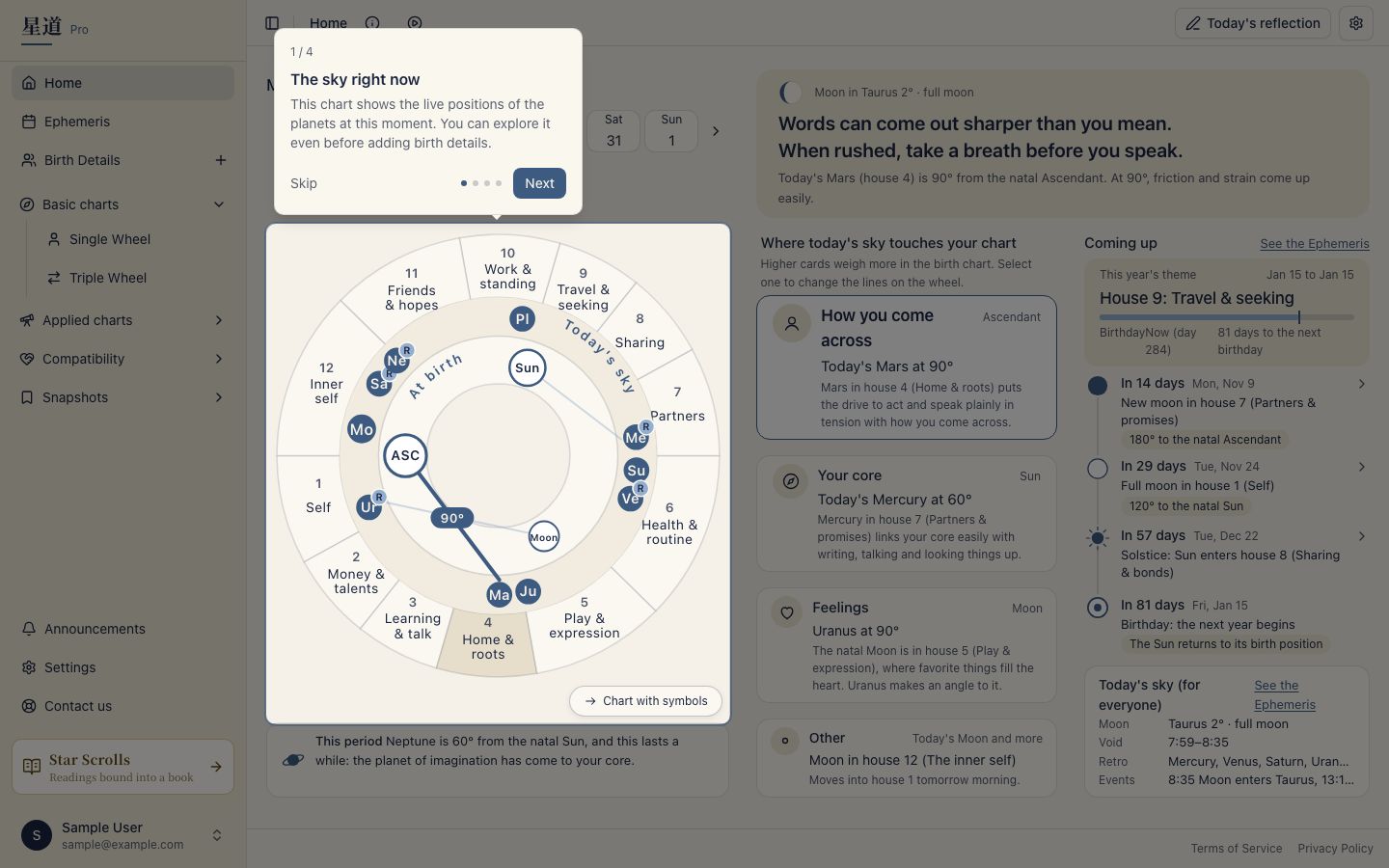
- Follow the sky now Home · Triple Wheel · Ephemeris
- Plan ahead Ephemeris · Solar Return
- Buy or give a Star Scroll Star Scrolls · Give a Star Scroll
- Check my account and plan Account · Paid plans and purchases
- Use HOSHIDOU from ChatGPT or Claude Connect AI
- Find features and settings Using the charts · Settings · Output & PDF
- Get help Contact
New to astrology?
If a term trips you up, start here. A chart is built from four layers, stacked one on top of the next.
A good reading order is the 12 signs, planets, houses, then aspects, each explained in Astrology basics. The common names are collected under Terms used in these docs.
Settings
The app starts with its default settings. Chart appearance and calculation settings live in the “Display settings” gear at the upper right of a chart screen. The house system, aspect orbs, and chart colors are chosen there. “Settings” contains “App”, “Output & PDF”, and “AI connections”. Language and theme are under “Language & appearance” in your account. See Settings for the list.
What the free plan covers
You can start on the free Hoshiyomi plan. During the beta, the features of the Hoshigatari and Hoshimichibiki plans are free too. See What each plan includes and Pricing for the differences. Star Scrolls are bought one at a time and billed separately from the plans.