Contact and feedback
How to contact HOSHIDOU about the app, your account, a plan or a Star Scroll purchase, and how replies work.
Open Contact us in the sidebar to reach Contact and feedback. Send a question, report a problem or share an idea there. You can use the form without signing in.
Choose a topic
Under What is this about?, choose one: Star Scroll (purchases and gifts), Account and sign-in, Paid plans and payments, Using the app, Report a problem, Ideas and feedback, or Other.
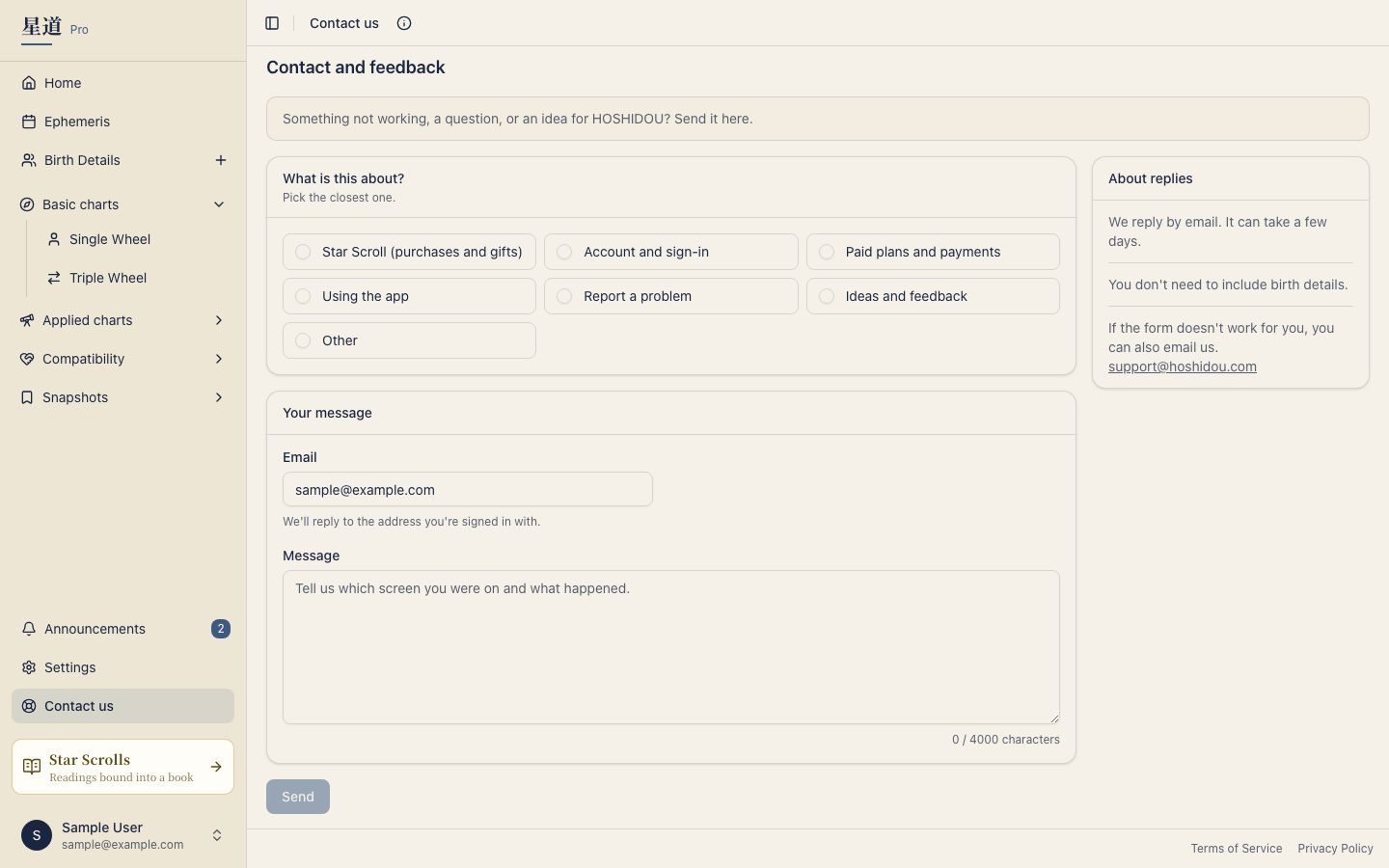
For Star Scroll (purchases and gifts), signed-in customers can optionally choose a purchase or gift under Which report is this about? (optional). If you are signed out, Order reference (if you have one) lets you enter a link to the Star Scroll page or the number shown after payment. You can send the form without either detail.
Send your message
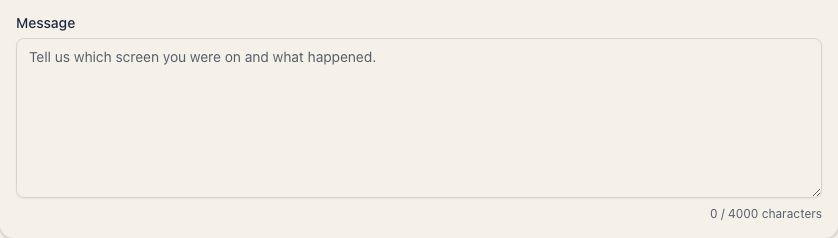
Write what happened or what you need under Message, then press Send. The limit is 4,000 characters. You do not need to include birth details.
For a question that needs a reply, provide an email address. If you are signed in, the form shows the address on your account; otherwise, enter one.
For Report a problem or Ideas and feedback, email is requested only if you select I’d like a reply. When you open the form from another app page, the page and browser and screen details are also sent to help identify the issue.
After sending, you will see Message received and a reference number. If an email address is available, HOSHIDOU also sends an acknowledgement. For signed-in accounts it includes a copy of your message; for signed-out visitors it leaves out the message text. Replies arrive by email and can take a few days. If the form is unavailable, use the email address shown under About replies on the contact screen.