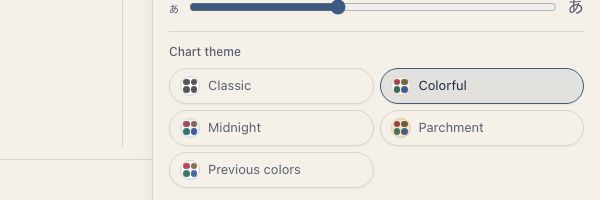
Chart Color Theme
How to choose the wheel's colors from Classic, Colorful, Midnight, Parchment, and Previous colors.
The Chart Color Theme setting controls the colors on the chart wheel. In the app it is called “Chart theme”.
App theme vs. chart color theme
The Theme setting (Light, Dark, Match device) controls the overall appearance of the app. The chart color theme changes only the colors of the wheel. Menus, settings screens, and the rest of the interface stay as they are.
The two are independent, so you can combine them freely. For example, you can use dark mode for the app and show charts in Parchment.
Five color themes
Classic
A subdued, standard palette. Black-toned lines with traditional element-based color coding.
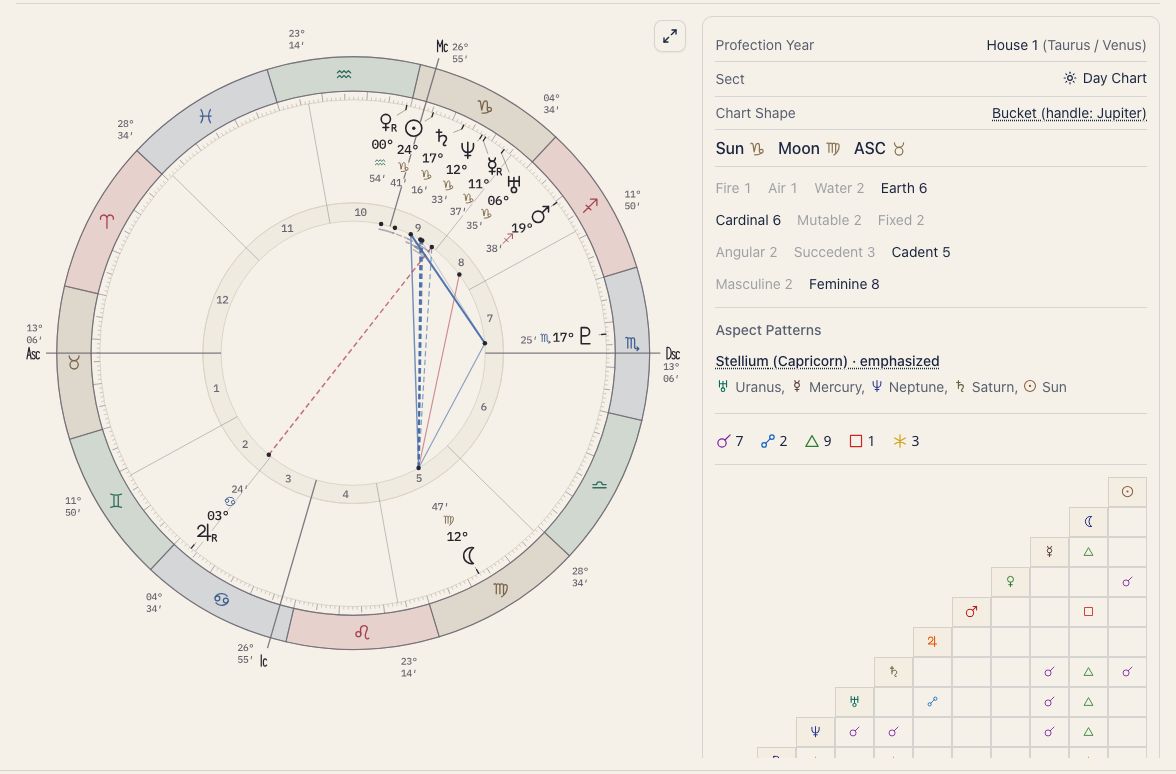
Colorful
A vivid, bright palette. Signs and aspect lines are drawn in saturated colors, so chart elements are easy to tell apart at a glance.
Midnight
A dark palette based on deep navy. Good for viewing charts in low light with less eye strain.
Parchment
A warm, beige palette like aged parchment. It suits a classical look.
Previous colors
The palette the wheel used before. On a light screen it is Colorful, the former default. On a dark screen it is the former dark theme (the equivalent of Midnight).
How to change
Open Display settings with the gear on a chart screen, Home, or Ephemeris. On the Look tab, under Fine appearance, choose a Chart theme. The colors change right away.